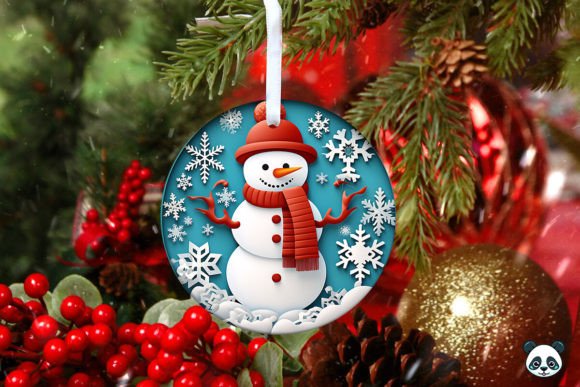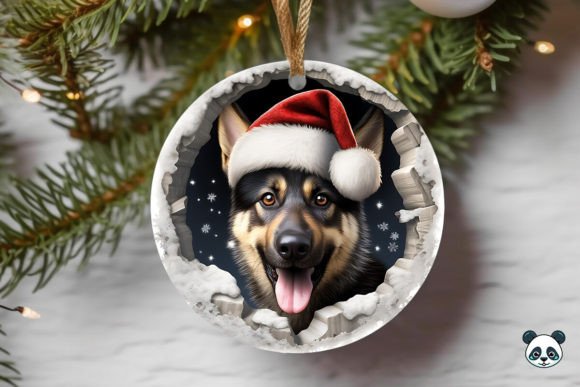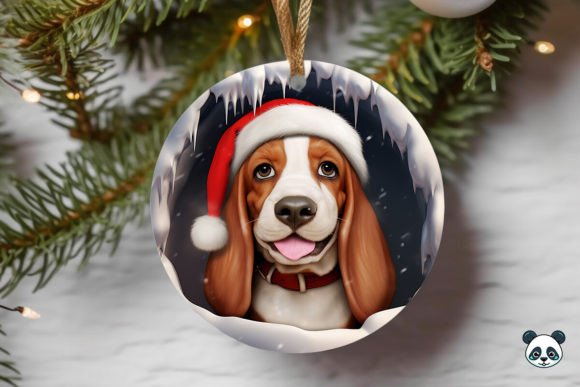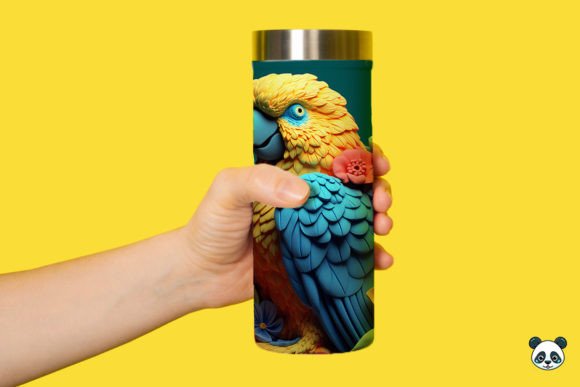
Mastering Your Spaniel 3D Christmas Ornament Sublimation Project
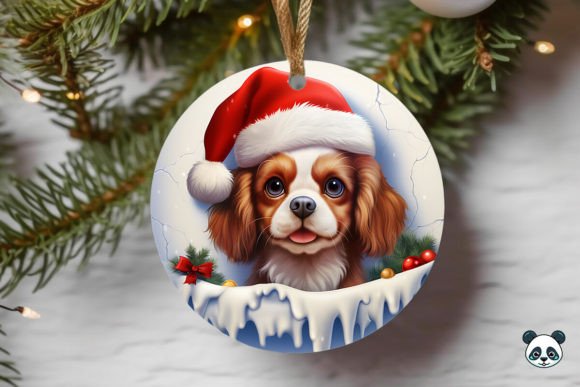
There is a unique joy in creating holiday decor that feels personal, and few things capture the spirit of the season quite like a custom Spaniel 3D Christmas Ornament. Whether you are a seasoned sublimation entrepreneur looking to expand your winter catalog or a hobbyist eager to make heartfelt gifts for fellow dog lovers, the appeal of these designs is undeniable. The combination of a beloved breed, watercolor artistry, and the dimensional look of a 3D wrap creates a product that stands out on any tree. However, the path from downloading a digital file to holding a flawless finished ornament is often paved with small technical pitfalls that can ruin an otherwise perfect project.
Many creators rush into printing without fully understanding the nuances of 3D Ornament wrap files. This haste often leads to wasted blanks, ink, and time. To ensure your results match the high-quality preview images, it is essential to approach this process with a corrective mindset, focusing on the details that beginners frequently overlook.
Understanding the Digital File Before You Print
The first point of confusion usually arises immediately after purchase. When you buy an Instant Digital Download PNG, you are acquiring a specific asset designed for a specific purpose. A common mistake is assuming that all ornament wraps are interchangeable or that the file can be stretched to fit any blank size. The file you receive, typically a 5 in x 5 in PNG at 300 DPI, is optimized for standard 3D ornament blanks. If you attempt to force this design onto a significantly larger or differently shaped object without adjusting the scale proportionally, you risk pixelation or distorted imagery.
Furthermore, there is often a misunderstanding regarding what is included in the download. These files are strictly digital; no physical ornaments or printing materials are shipped. For those new to sublimation, this distinction is vital. You must have access to a sublimation printer, heat press, and compatible blanks before purchasing. Buying the design without the proper equipment leads to frustration. Always verify your hardware capabilities against the file requirements. Since the design is provided as a high-resolution PNG, it is ready for print, but only if your printer settings are calibrated correctly for sublimation paper and ink.
Navigating the 3D Wrap Geometry
The term "3D Ornament wrap" refers to the way the image is distorted in the digital file to compensate for the curvature of the physical ornament. When laid flat, the image might look slightly warped or elongated. A frequent error among beginners is attempting to "fix" this distortion in editing software like Photoshop or Canva. It is crucial to understand that this pre-distortion is intentional. If you straighten the image, it will appear warped once applied to the round surface of the ornament.
Another geometric oversight involves the seam line. In a Spaniel seamless pattern or wrap design, the edges are meant to meet perfectly when wrapped around the blank. If your alignment during the pressing phase is off by even a few millimeters, the pattern will not connect smoothly, leaving a visible gap or an overlapping mess. To avoid this, take the time to mark your blank lightly with a heat-resistant pencil or use alignment tools on your heat press. Practice on a cheap blank first to get a feel for how much tension the shrink wrap or silicone sock applies, as this tension shifts the paper slightly during the heating process.
Color Management and Image Quality
One of the most disappointing outcomes in sublimation is a dull, washed-out final product. This often happens when users ignore color profiles. The vibrant colors you see on your monitor in the Spaniel watercolor preview may not translate directly to the substrate if your printer is set to standard CMYK rather than a sublimation-specific profile. Watercolor designs, in particular, rely on subtle gradients and soft edges. If your resolution drops below 300 DPI during any resizing or conversion step, those soft blends can become blocky and unprofessional.
Additionally, the choice of blank matters immensely. Not all white coatings are created equal. A low-quality blank may have a yellowish tint or a coating that does not absorb the ink deeply, resulting in a image that feels gritty to the touch and fades quickly. For a Spaniel 3D Christmas Ornament to look premium, invest in high-quality blanks with a true white, polyester-rich coating. Remember, sublimation ink turns into gas and bonds with polymer; if the coating is poor, the bond fails.
Practical Steps for Flawless Execution
To maximize your success rate and minimize waste, adopt a checklist approach before you ever hit the print button. First, confirm that your canvas size matches the Ornament wrap template dimensions exactly. Do not upscale the image beyond its original 5x5 inch limit unless you have verified the pixel density remains sufficient. Second, mirror your image horizontally. This is the single most common forgetfulness in sublimation; if you do not mirror the file, any text or directional elements in the Spaniel background will appear backward on the final product.
When applying the design, ensure the paper is taped securely but not so tightly that it wrinkles. Wrinkles in the paper translate to white lines in the final image. Use heat-resistant tape on all sides, and consider using a Teflon sheet or parchment paper over the top to protect your heat press platen from any stray ink bleed. For 3D ornaments, using a silicone sock or shrink wrap is often necessary to apply even pressure around the curves. Ensure there are no air pockets trapped between the paper and the blank, as these create voids where the ink cannot transfer.
Evaluating Your Results and Iterating
After pressing, allow the ornament to cool completely before removing the paper. Peeling while hot can sometimes cause smudging or incomplete transfers. Once revealed, inspect the Spaniel png transfer for clarity, color vibrancy, and seam alignment. If the colors are dull, check your time and temperature settings; sublimation requires precise heat to activate the ink. If the image is blurry, revisit your source file and printer resolution settings.
For those looking to sell these items, consistency is key. Document your successful time, temperature, and pressure settings for every batch of blanks you buy, as different manufacturers may require slight adjustments. Keeping a log helps you replicate success and troubleshoot failures efficiently. By treating the Spaniel 3D Christmas Ornament project with this level of detail and care, you transform a simple digital download into a cherished keepsake. The difference between a good result and a great one often lies in respecting the technical constraints of the medium while leveraging the artistic beauty of the design.
Ultimately, the goal is to create something that brings warmth and joy. By avoiding these common technical traps and focusing on preparation, you ensure that your Sublimation Designs honor the subject matter beautifully. Whether it is the floppy ears of the Spaniel or the festive backdrop, every detail counts. Take your time, trust the process, and let the quality of your work speak for itself.